
GTA San Andreas Dusk YouTube Style
YouTube · Updated today
youtube.com
TabDrip Styles on
What it changes
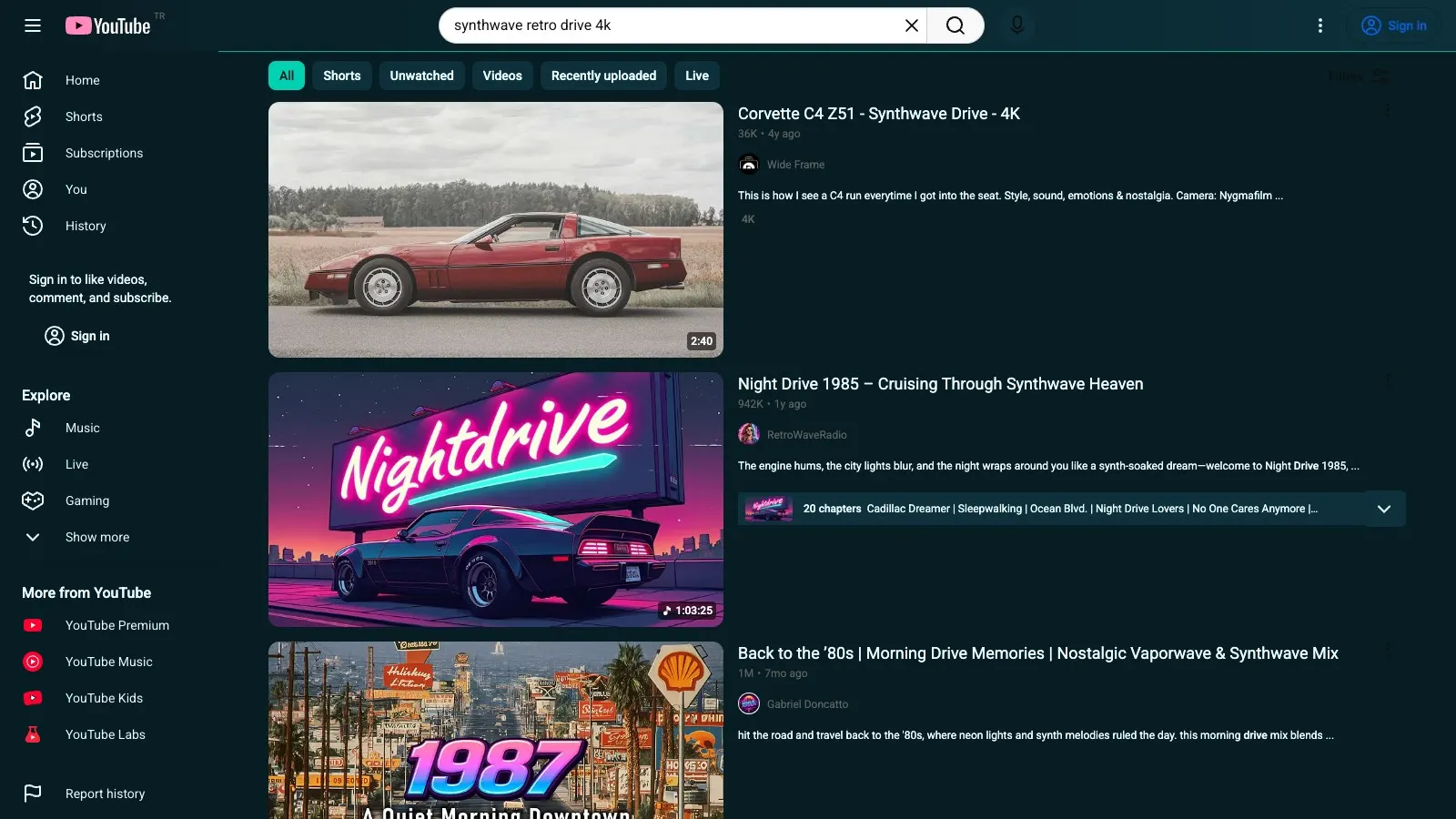
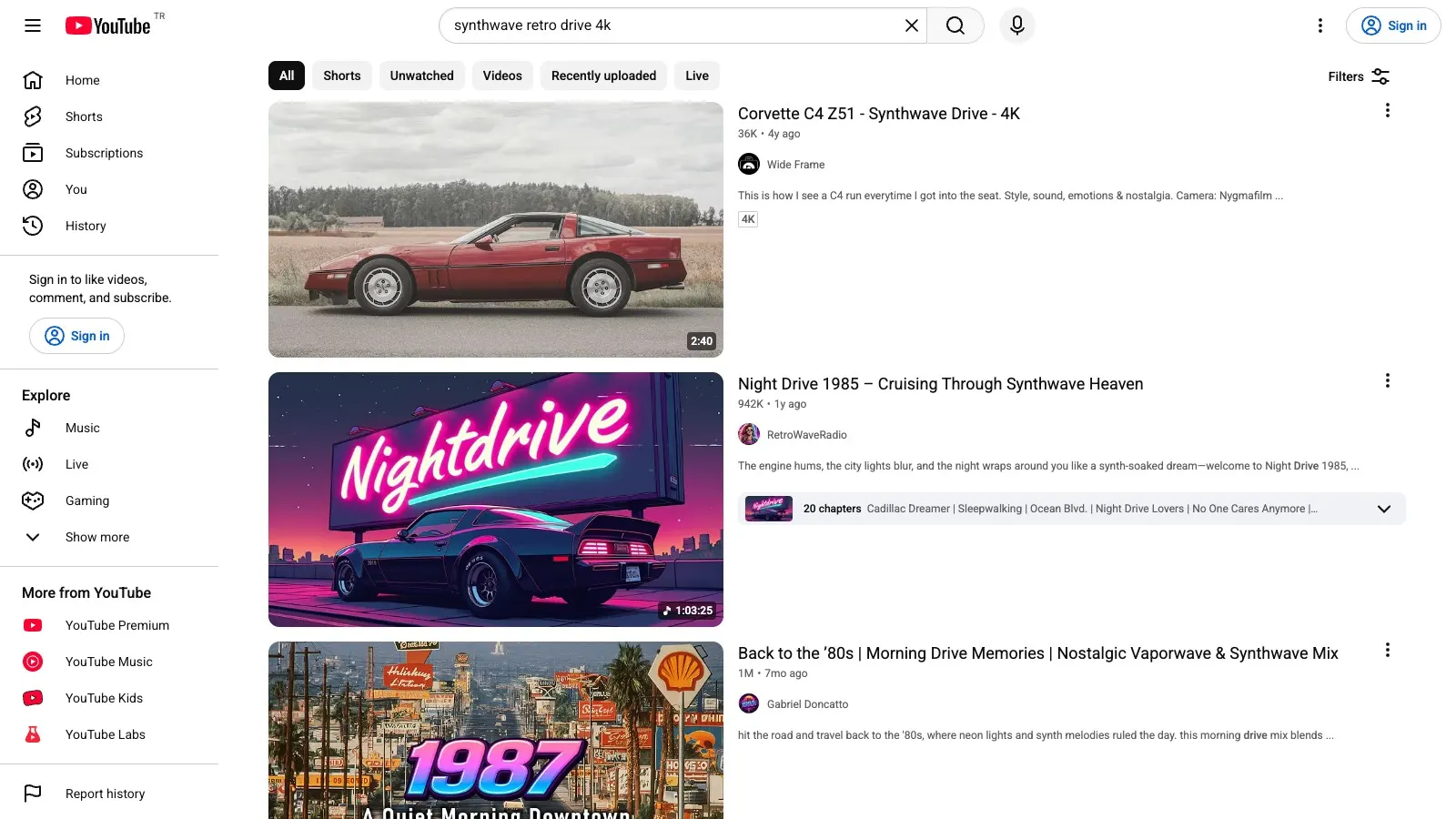
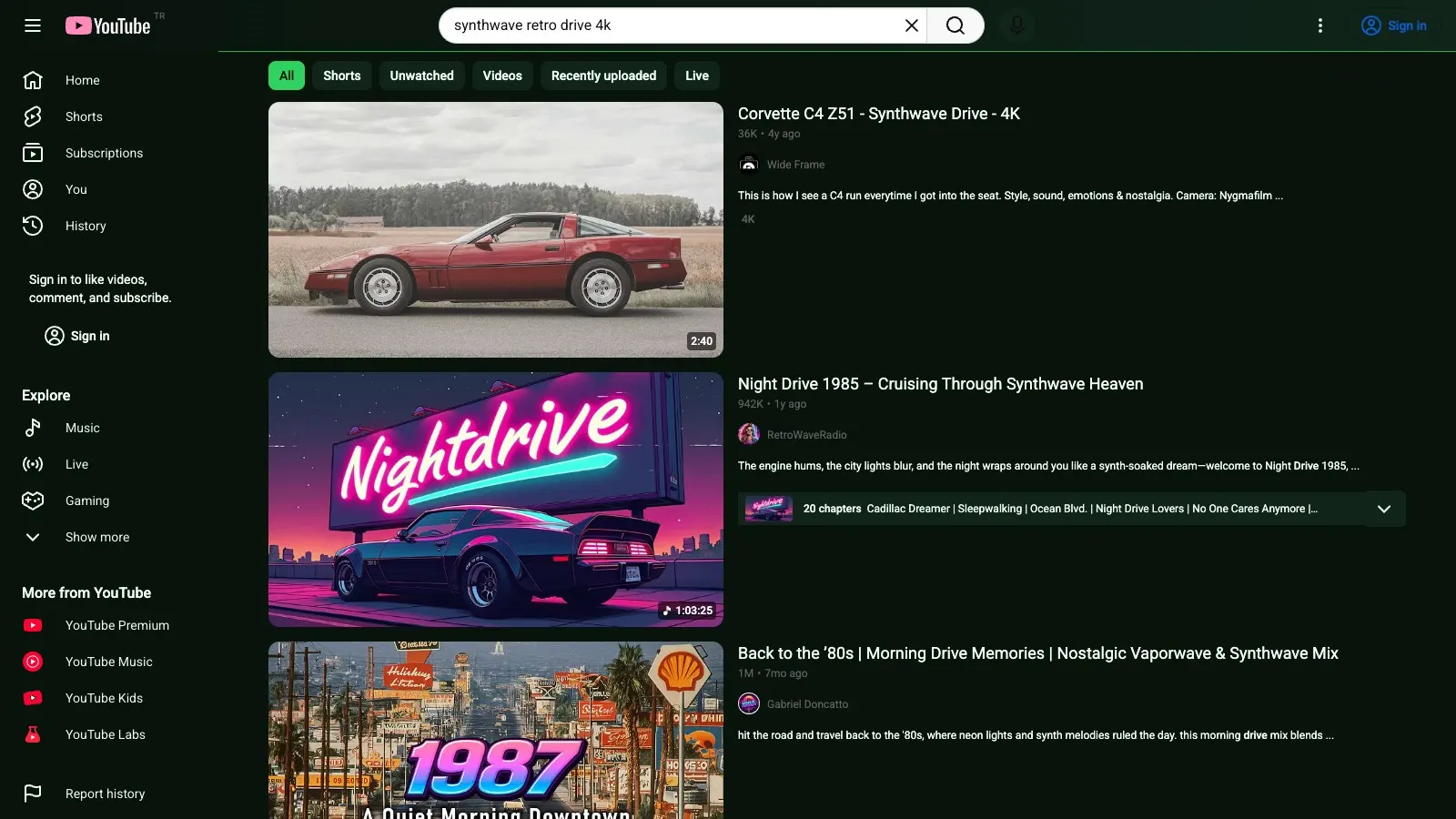
- Near-black forest green backgrounds
- Street green active chip and buttons
- Gold outline on thumbnail hover
- Mint-white titles, sage secondary text
- Green line under the top bar
Complete the look
All green →A live wallpaper, theme and cursor in the same colour as GTA Grove Street Green YouTube Style.
About & how to use
Grove Street Green is built around one idea: near-black backgrounds with a deep green tint and a single bright green for everything interactive. The page, sidebar and top bar use dark forest tones, while the active filter chip, links and buttons switch from YouTube red to a clean street green.
A touch of gold appears on thumbnail hover as a thin outline, a nod to the colours of the original neighbourhood without making the page busy. Text is a soft mint-white and secondary lines are a muted sage, so long watch lists stay readable.
The style changes colours only, so layout and playback stay exactly as YouTube made them. Turn it off any time from TabDrip Styles. This is an unofficial fan-made colour scheme inspired by the GTA series and is not affiliated with Rockstar Games.
It only touches colours, shapes and spacing, so every feature of YouTube keeps working exactly as before.
How to use it
- Install Stylus, a free extension for site styles.
- Press Install with Stylus on this page, then Install style.
- Open YouTube. The new look is already there.
Want the original look back? Click the extension's icon while on YouTube and switch the style off.
More styles for YouTube
All YouTube styles →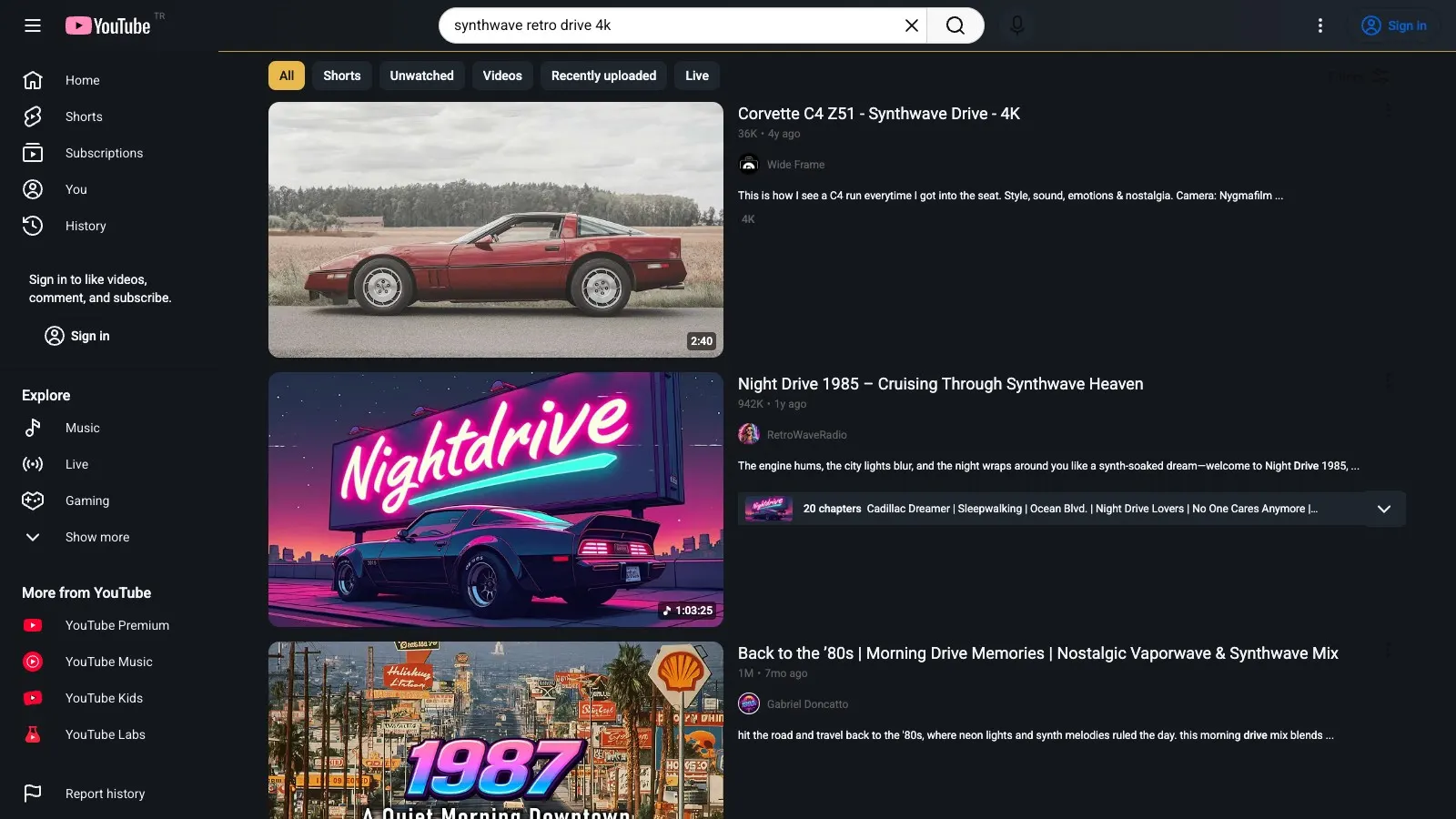
GTA Liberty City Steel YouTube Style
YouTube · Updated today
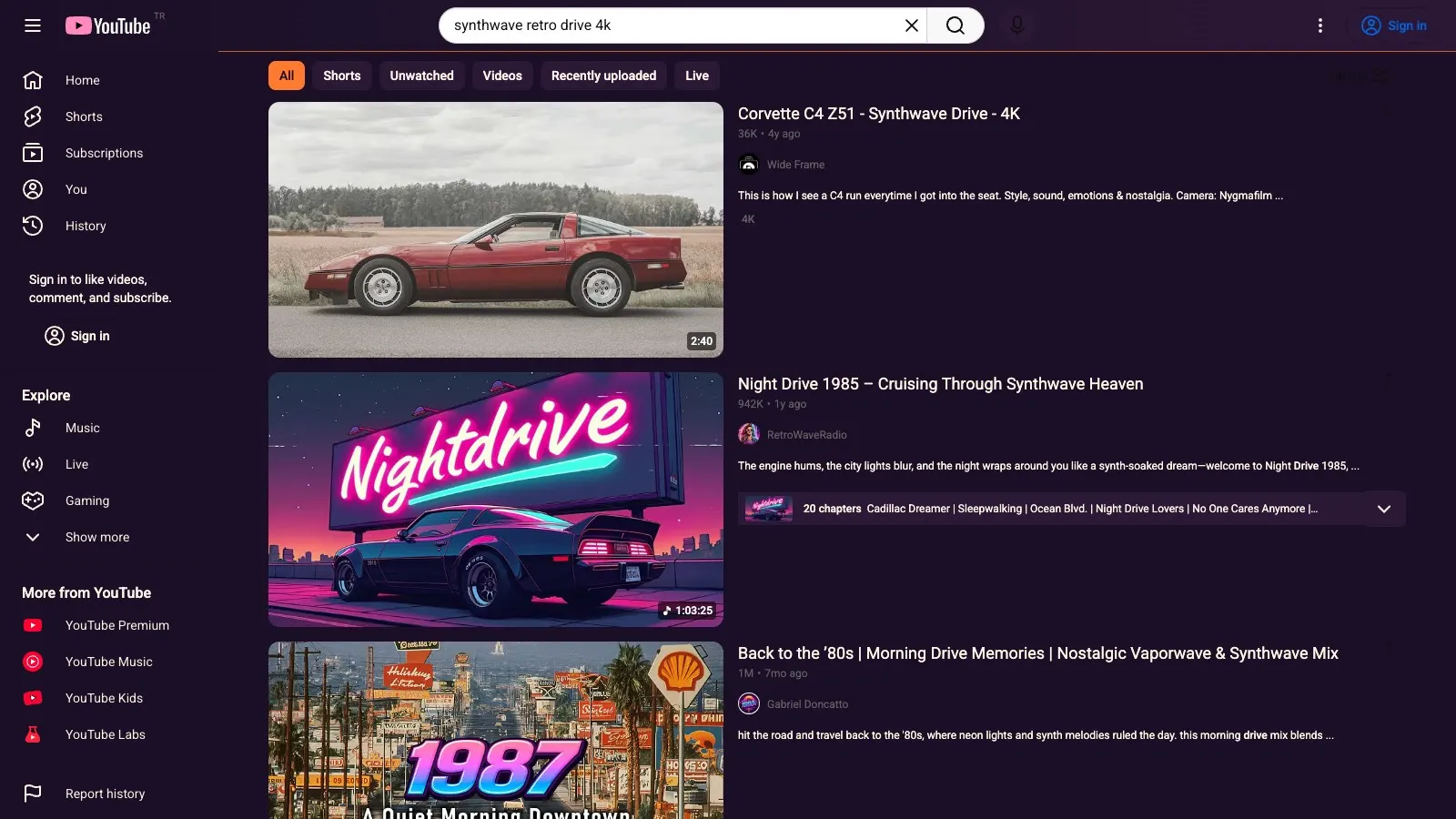
GTA Los Santos Sunset YouTube Style
YouTube · Updated today
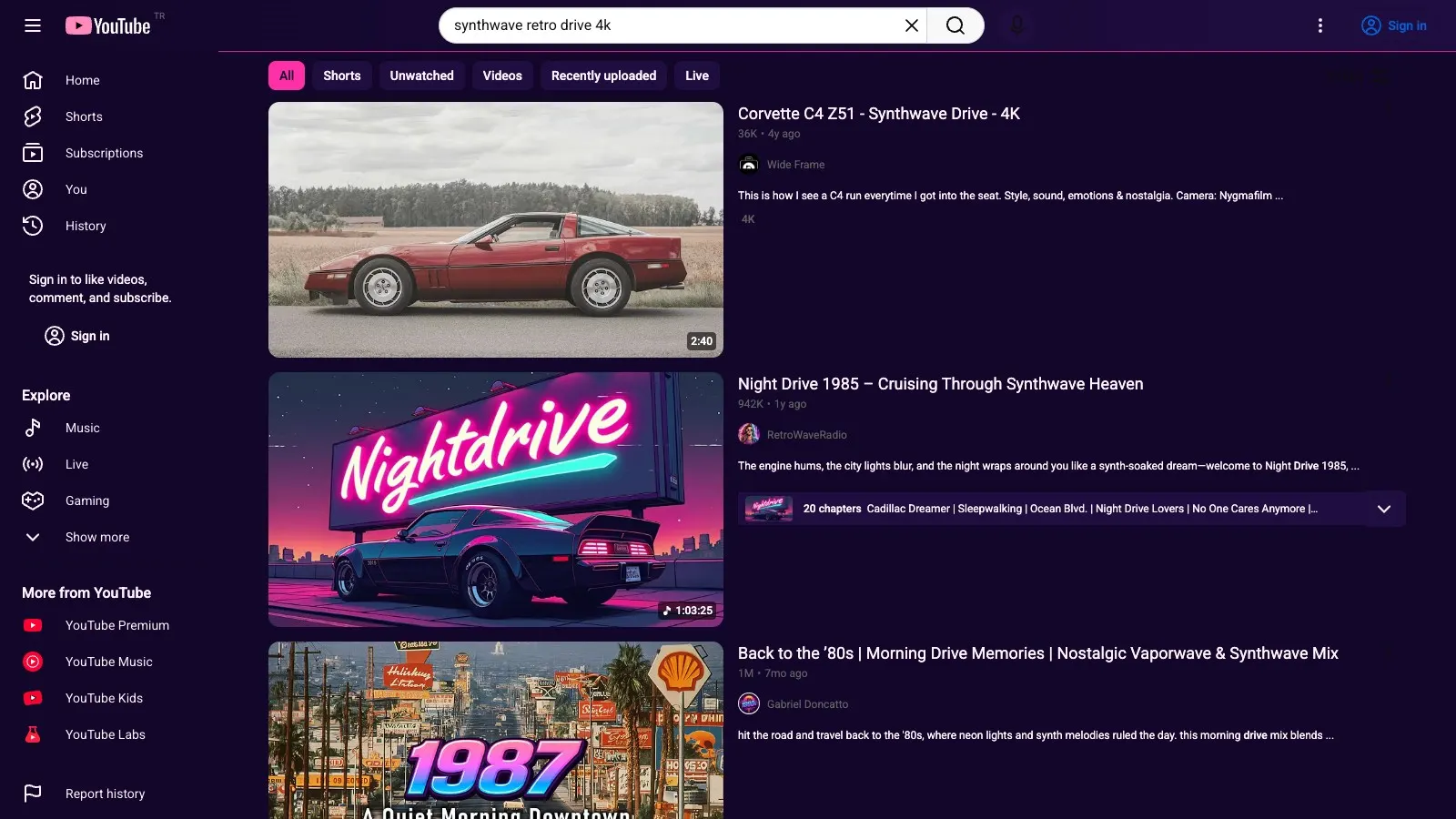
GTA Vice City Neon YouTube Style
YouTube · Updated today
Comments
No comments yet. Be the first to say something nice.